Lighter Than Kubernetes: Compose vs Podman vs K8s for a Single-Node Homelab
Updated 2026-06-23

There's a stage every self-hoster reaches: loose docker run commands and a folder of half-remembered flags stop feeling like "structure," but spinning up Kubernetes on a single Proxmox box feels like bringing a container ship to cross a pond. The good news is the choice isn't binary. Between "chaos" and "full K8s" there's a spectrum — Compose, rootless Podman, Podman's Kube play, and lightweight Kubernetes — and for a single node the right pick is usually well short of the deep end.
What you're actually trying to buy
Before comparing tools, name the goal. "More structure" on one box usually means: declarative config you can version, automatic restarts, clean dependency/ordering, and a path that doesn't trap you. It rarely means multi-node scheduling, self-healing across machines, or rolling fleet deploys — the things Kubernetes is for. Match the tool to the goal, not to the hype.
The options, lightest to heaviest
Docker Compose. Declarative YAML, versionable, restart policies, dependency ordering. For a single node, this is "structured enough" for the vast majority of homelabs. It's the reproducible-stack baseline, and most self-hosters never need more.
Rootless Podman. Daemonless and rootless by default — a security win over the Docker socket (no root-equivalent control socket to protect). Drop-in-ish for Docker workflows, with systemd integration for restarts.
Podman Kube play. The clever middle: write Kubernetes-style YAML and run it locally with podman kube play. You get K8s-shaped manifests and a gentle on-ramp to Kubernetes concepts without running a cluster — ideal if you might go to K8s later and want to learn the syntax now.
Lightweight Kubernetes (k3s). A small, single-binary K8s. Genuinely runnable on one node, and worth it if you specifically want the Kubernetes ecosystem (Helm charts, operators, the API). But you're now operating a control plane — etcd, the scheduler, networking — for one box.
Quick comparison
| Structure | Learning curve | Overhead on one box | Best when | |
|---|---|---|---|---|
| Compose | Good | Low | Minimal | Most single-node homelabs |
| Rootless Podman | Good | Low–Med | Minimal | You want daemonless/rootless security |
| Podman Kube play | High (K8s YAML) | Medium | Low | Learning K8s syntax without a cluster |
| k3s | Highest | High | Real (control plane) | You specifically want the K8s ecosystem |
How to choose
- Just want versionable, restarting, ordered services? Compose. Stop here unless you have a concrete reason not to.
- Care about rootless/daemonless security? Rootless Podman.
- Planning to learn or move to Kubernetes? Podman Kube play now, k3s when you actually need the ecosystem.
- Genuinely want Helm/operators/the K8s API on one box? k3s — eyes open about running a control plane.
The trap is choosing k3s for structure when Compose would have given you 90% of it with 10% of the operational weight. The related question of PaaS panels vs lightweight deploy tools is the same instinct from another angle.
Whatever you pick, keep the box healthy
Orchestration doesn't replace the basics: sane health checks, backups you've restored, and resource limits so one workload can't starve the node.
Takeaway
On a single node, "lighter than Kubernetes" is almost always the right answer — and usually it's Compose or Podman, not a cluster. Buy the structure you actually need: declarative config and restarts for most, rootless Podman for security, Podman Kube play to learn K8s gently, and k3s only when you genuinely want the Kubernetes ecosystem. Don't run a control plane to organize one box.
Final verdict
From across the StoicSoft network
Hand-curated reads on the same topic from sister sites in the StoicSoft family.
 Deploy to VPS8 min read
Container monitoring is moving from uptime dashboards to egress policy, backup-state widgets, and service-level proof
Fresh self-hosting posts point to a more specific monitoring need than simple green/red uptime. One homelab user running rootless Podman quadlet services wants per-container outbound blocking, domain allowlists, and traffic visibility but cannot see how to…
Read on deploytovps.com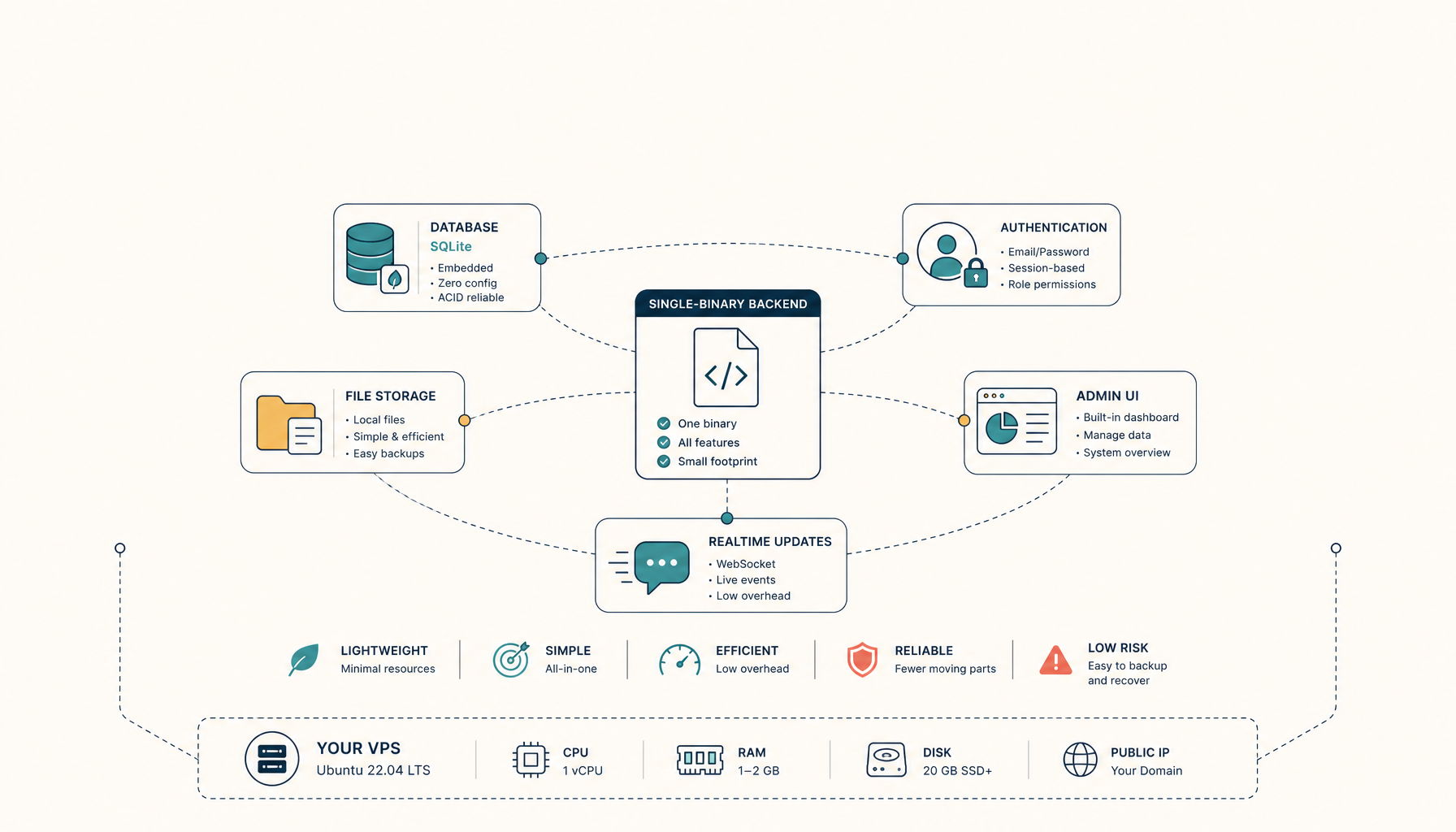 Deploy to VPS15 min read
How to Self-Host PocketBase on a VPS (Production Setup)
Run PocketBase on your own VPS. A single binary backend with SQLite, auth, and realtime out of the box.
Read on deploytovps.com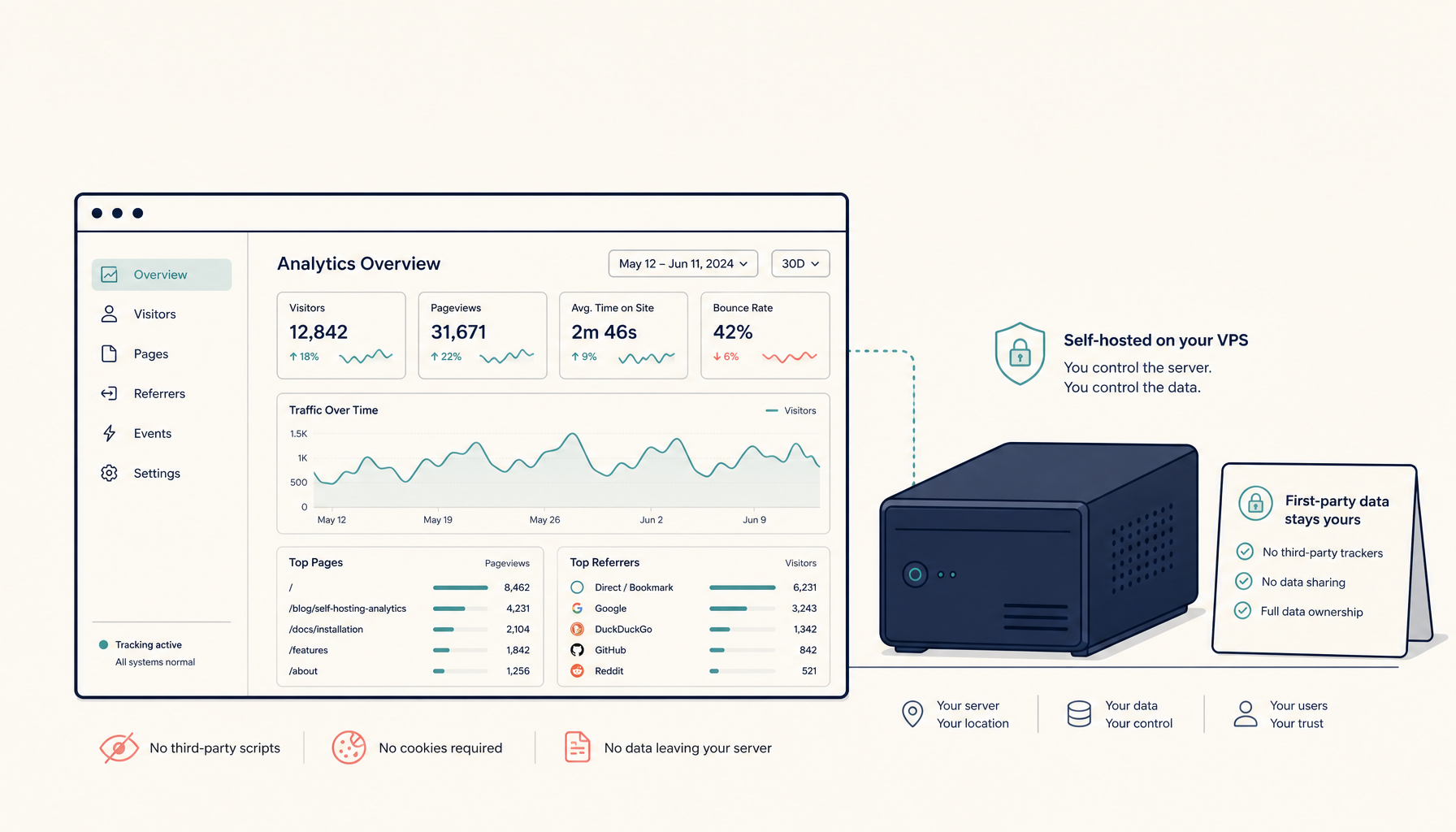 Deploy to VPS25 min read
How to Self-Host Plausible Analytics on a VPS (Production Setup)
Run Plausible Analytics on your own VPS. Privacy-friendly, lightweight analytics without monthly fees.
Read on deploytovps.com