Coolify vs ServerCompass: Different Approaches to VPS Deployment
Updated 2026-05-07 · 7 min
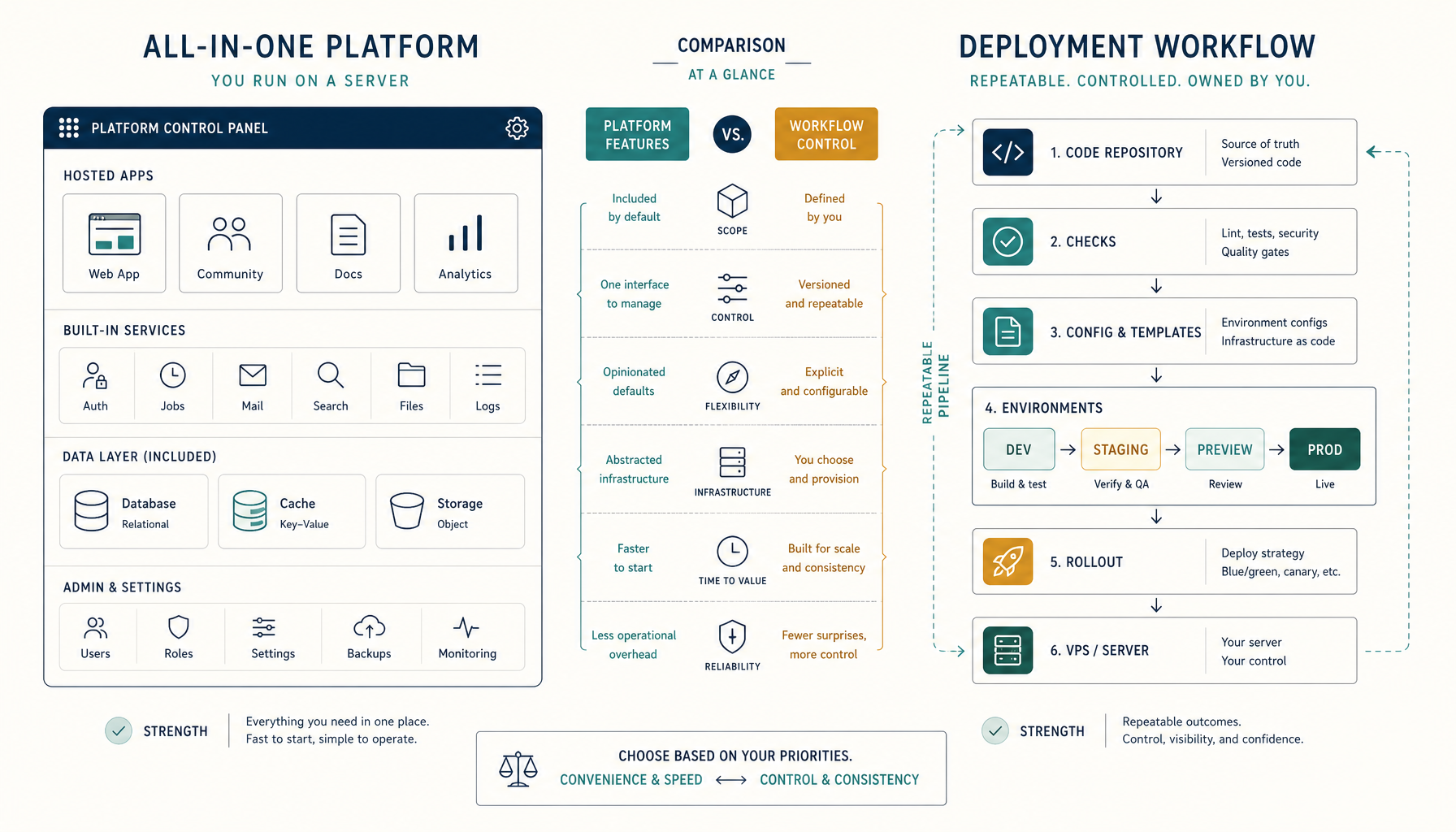
Quick answer: These tools solve different problems. Coolify is a self-hosted platform you run on your VPS. ServerCompass is a deployment workflow tool that gives you Vercel-like deploys without the platform overhead.
Comparison Table
| Criteria | Coolify | ServerCompass |
|---|---|---|
| Type | Self-hosted PaaS | Deployment workflow tool |
| Runs on your VPS | Yes (as a service) | Deploys to your VPS |
| Resource overhead | ~500MB RAM | Minimal (CLI-based) |
| App templates | 100+ one-click apps | Framework-focused |
| Git integration | Built-in webhooks | GitHub Actions integration |
| Rollbacks | Manual | One-click rollbacks |
| Multi-app management | Dashboard-based | Workflow-based |
| Learning curve | Medium | Low |
Coolify Overview
Coolify is a self-hosted Heroku alternative. You install it on your VPS and it becomes your deployment platform.
Strengths
- Full PaaS experience. Dashboard, database management, SSL, the works.
- One-click apps. Deploy Supabase, Plausible, Ghost with one click.
- Database management. Create and manage databases through the UI.
Weaknesses
- Resource overhead. Coolify itself needs resources to run.
- Another system to maintain. You're now maintaining a platform, not just apps.
- Context switching. Different workflow than your normal dev process.
ServerCompass Overview
ServerCompass gives you Vercel-like deployment workflows on your own VPS without running a full platform.
Strengths
- Minimal overhead. No platform running on your VPS.
- Familiar workflow. Git push, deploy, done.
- One-click rollbacks. Instantly revert to previous versions.
- Framework-optimized. Built for Next.js, Node.js, and modern stacks.
Weaknesses
- Focused scope. Not a full PaaS with app templates.
- Less visual. Workflow-based rather than dashboard-based.
When to Pick Coolify
Pick Coolify if:
- You want a full self-hosted PaaS experience
- You need one-click app deployments (databases, tools)
- You prefer a dashboard over CLI workflows
- You're comfortable maintaining another platform
When to Pick ServerCompass
Pick ServerCompass if:
- You want Vercel-like deploys without Vercel pricing
- You deploy the same apps repeatedly
- You want minimal VPS overhead
- You value rollbacks and deployment history
Verdict
ServerCompass wins for teams focused on deploying their own apps.
If you're deploying Next.js, Node.js, or similar apps and want a clean workflow with rollbacks, ServerCompass fits better.
Coolify wins if you want a full platform with database management, one-click apps, and a visual dashboard.
Where to go next
Tutorials:
Related comparisons:
ServerCompass:
Final verdict
ServerCompass
ServerCompass wins for repeatable multi-app deployments. Coolify wins for self-hosted PaaS features.
From across the StoicSoft network
Hand-curated reads on the same topic from sister sites in the StoicSoft family.
 Deploy to VPS15 min read
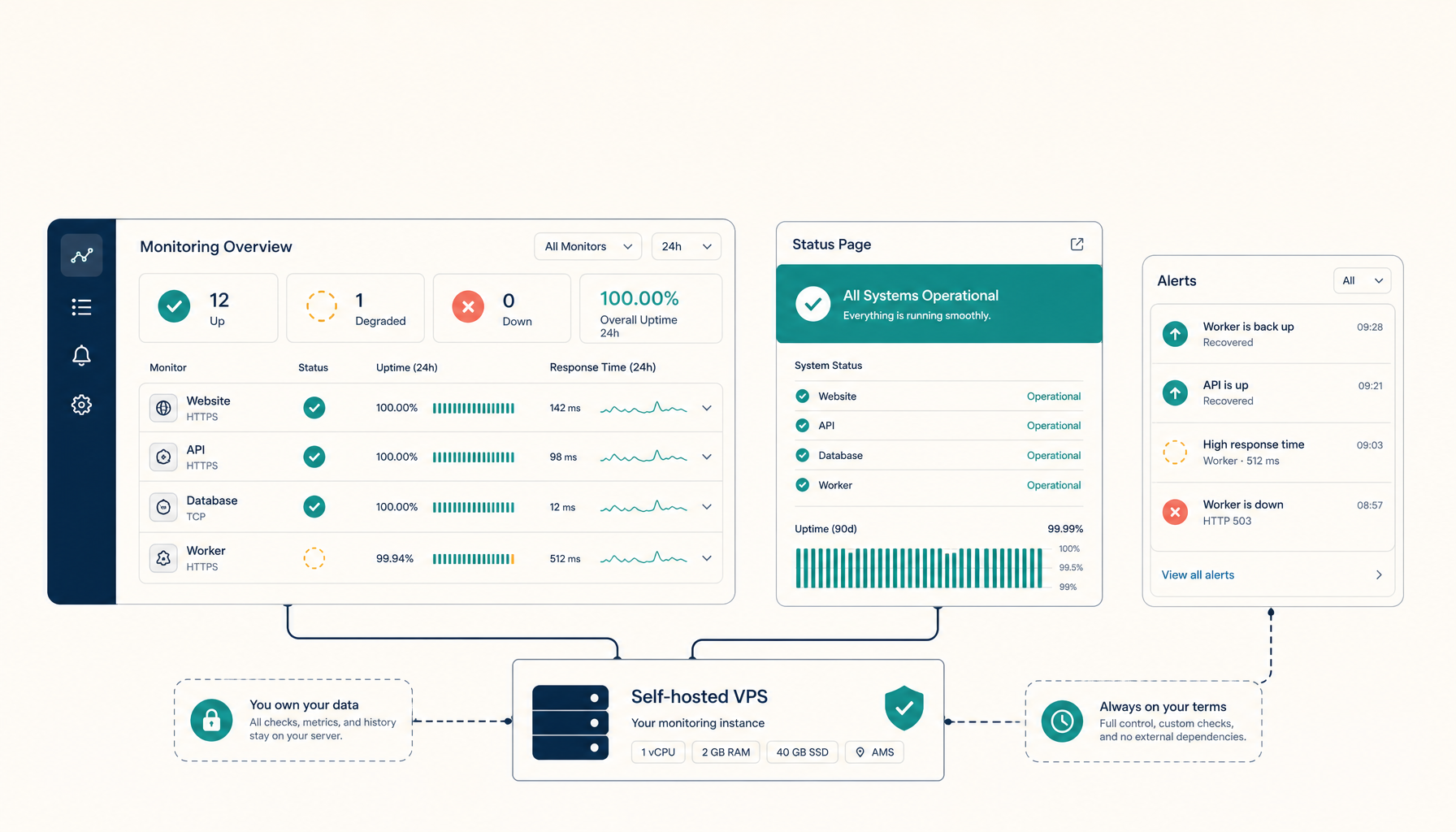
How to Self-Host Uptime Kuma on a VPS (Production Setup)
Run Uptime Kuma for self-hosted uptime monitoring. Beautiful status pages without monthly fees.
Read on deploytovps.com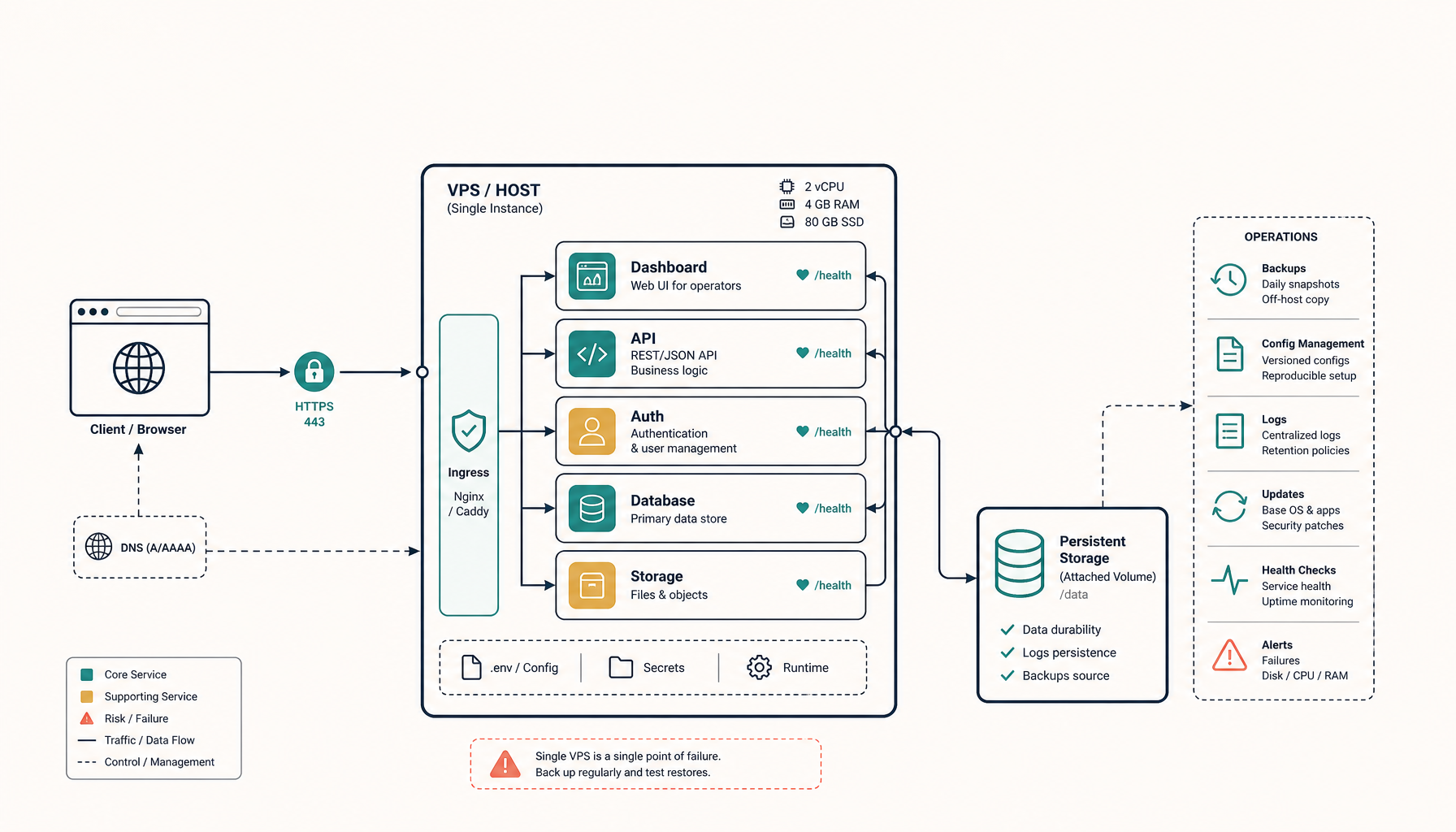 Deploy to VPS35 min read
How to Self-Host Supabase on a VPS (Production Setup)
Run Supabase on your own VPS with HTTPS, persistent storage, and a deployment shape you can actually maintain.
Read on deploytovps.com